Introducing PortPro Profit Driver. If you run 5–20 trucks, this was built for you.
Calculate My Savings
Introducing PortPro Profit Driver. If you run 5–20 trucks, this was built for you.
Calculate My Savings
Customer Portal
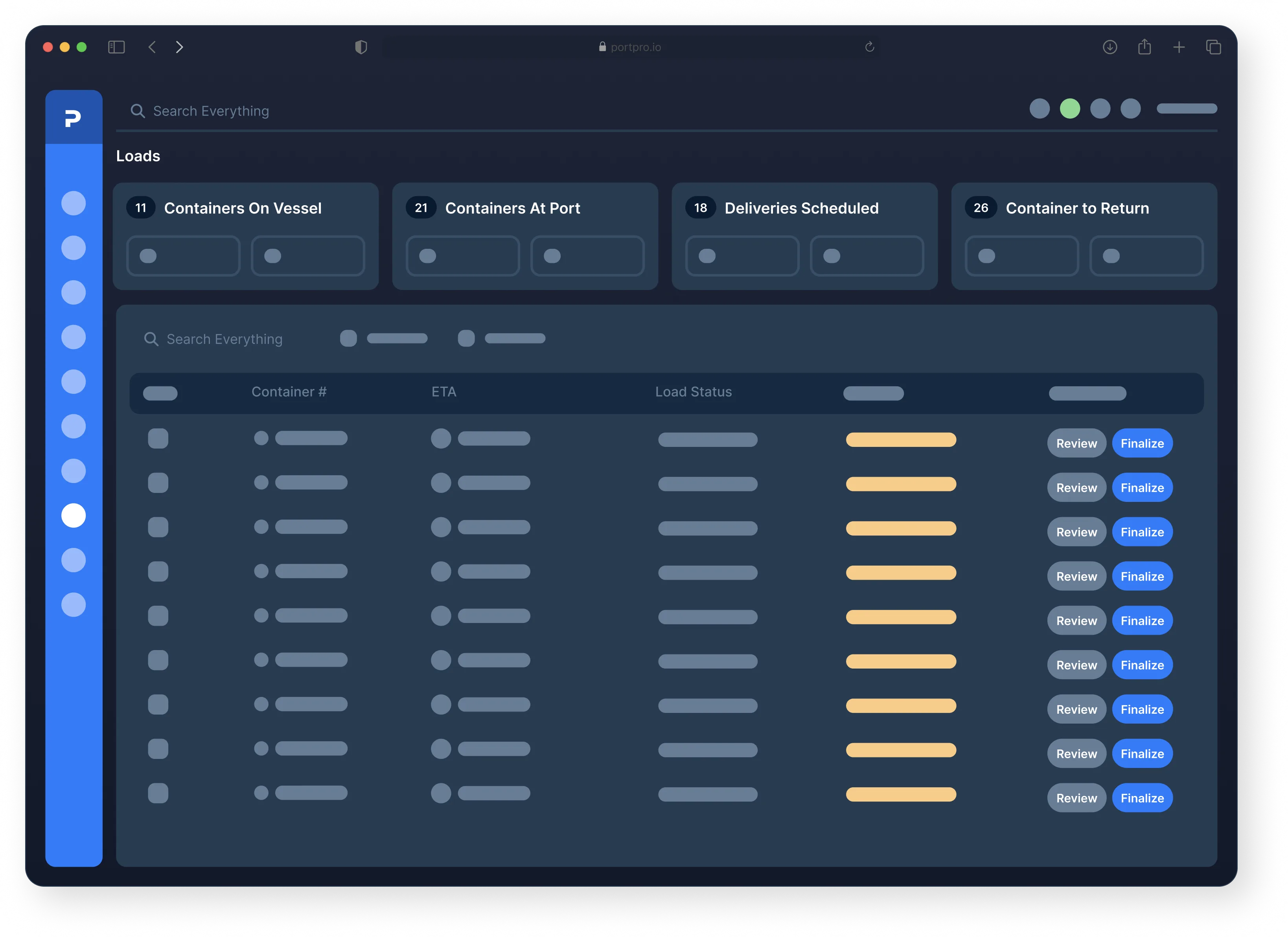
Give customers full visibility into container status
At a glance, customers can see load status, documents, detailed container tracking and more.
Customer Portal
Give customers full visibility into container status
At a glance, customers can see load status, documents, detailed container tracking and more.
Customer Portal
Give customers full visibility into container status
At a glance, customers can see load status, documents, detailed container tracking and more.
Customer Portal
Give customers full visibility into container status
At a glance, customers can see load status, documents, detailed container tracking and more.
See exactly where a container is
See exactly where a container is
See exactly where a container is
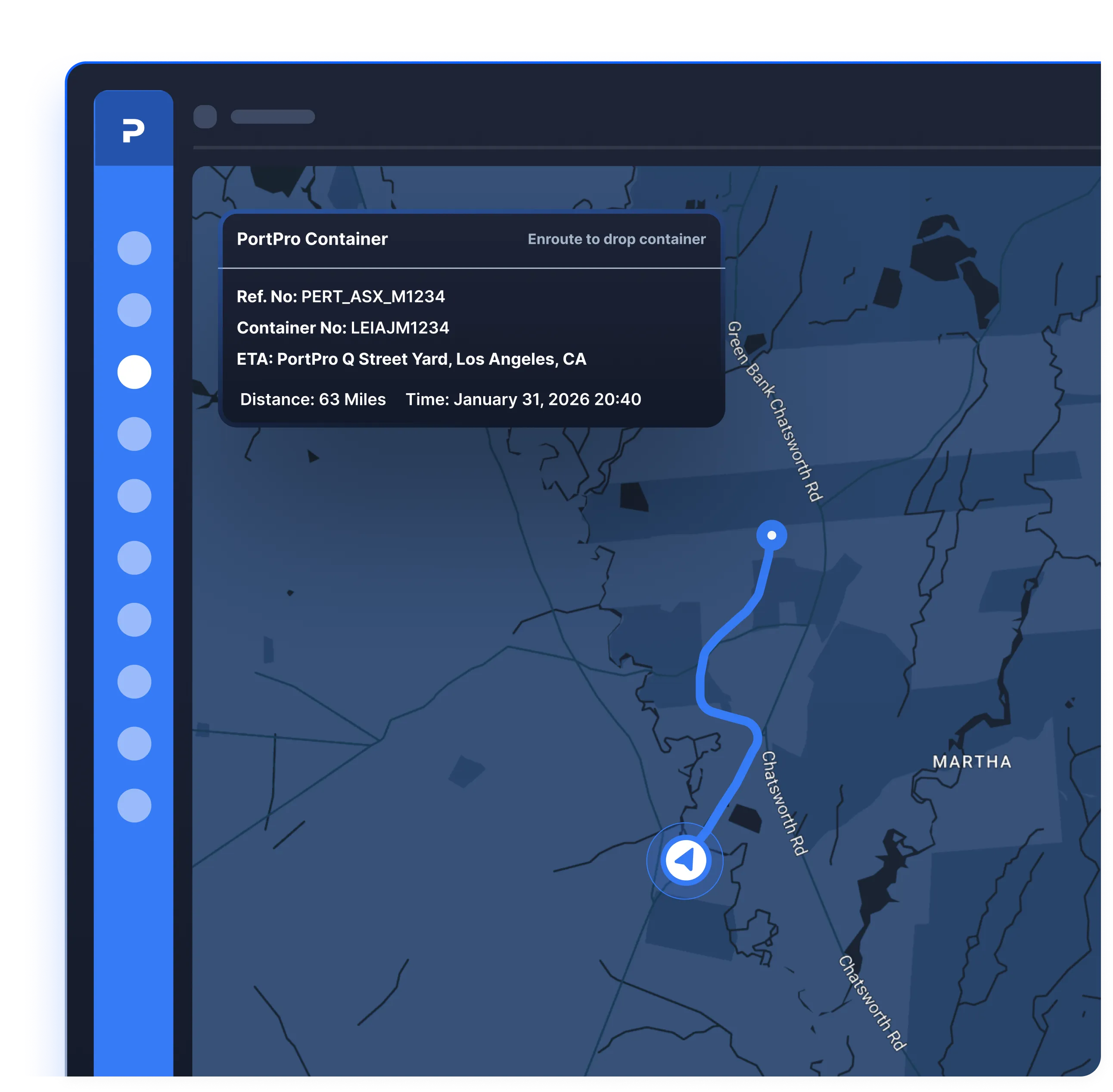
No more guessing — with PortPro, your customers get live GPS tracking to see exactly where their containers are. On this map your customer will be able to view:
No more guessing — with PortPro, your customers get live GPS tracking to see exactly where their containers are. On this map your customer will be able to view:
Real-time tracking of your driver that is actively moving one of their loads
Real-time tracking of your driver that is actively moving one of their loads
Where all of their Empty containers are dropped
Where all of their Empty containers are dropped
Where all of their Loaded containers are dropped
Where all of their Loaded containers are dropped
Automated notifications
Automated notifications
Automated notifications
No more manually emailing updates — PortPro does that automatically. Whether it’s information on Vessel ETA, Last Free Day, Pick-Up Appointments, or container status, your customers can see it all.
No more manually emailing updates — PortPro does that automatically. Whether it’s information on Vessel ETA, Last Free Day, Pick-Up Appointments, or container status, your customers can see it all.
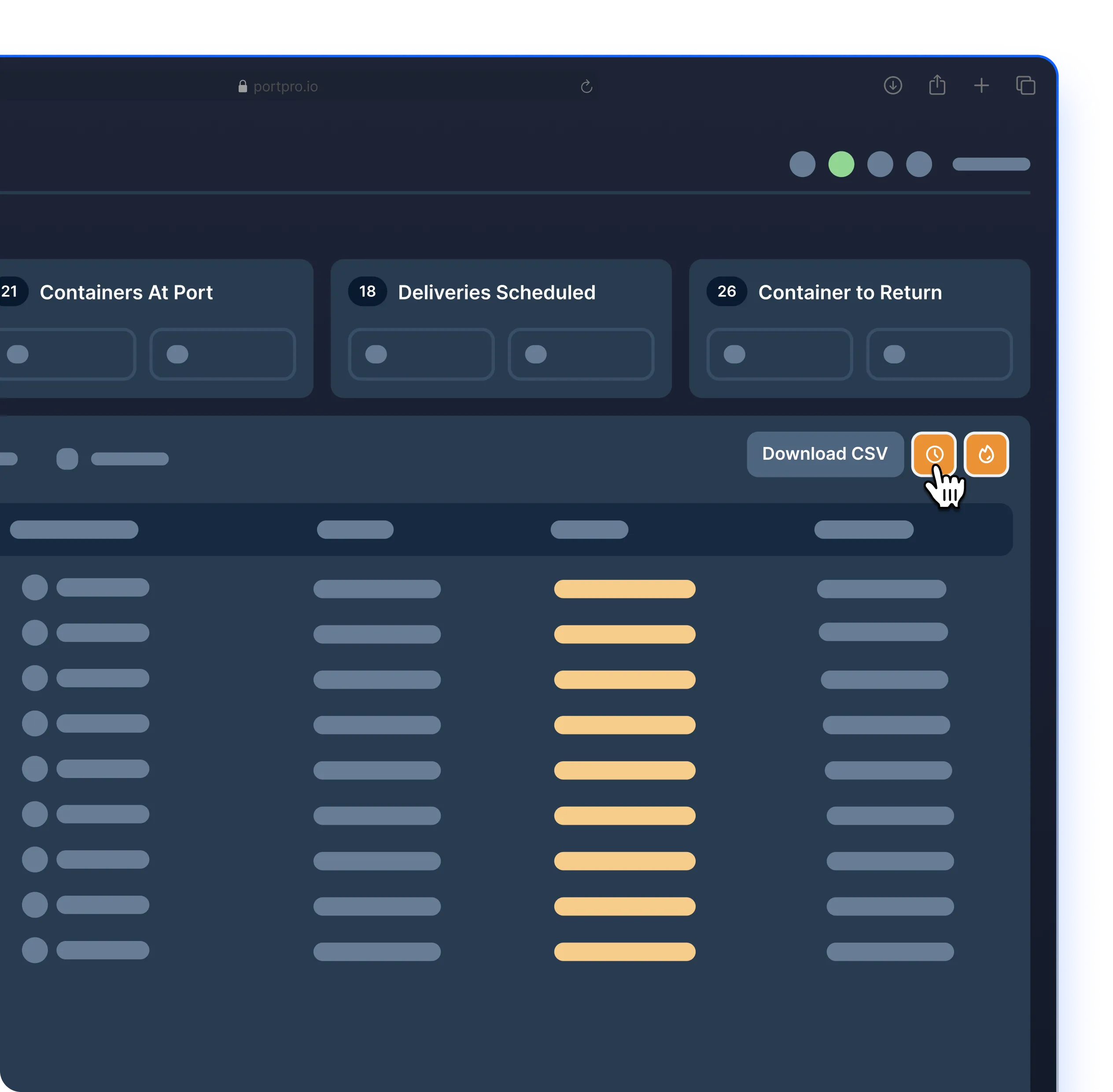
If a container is empty, your customer can update the 'empty date' field in their logistics customer portal, immediately reflecting in your system
If a container is empty, your customer can update the 'empty date' field in their logistics customer portal, immediately reflecting in your system
Your customer can mark a container as “Ready To Be Returned”
Your customer can mark a container as “Ready To Be Returned”
Your customer can mark a container as "Hot"
Your customer can mark a container as "Hot"
Give customers visibility into invoices
Give customers visibility into invoices
Give customers visibility into invoices
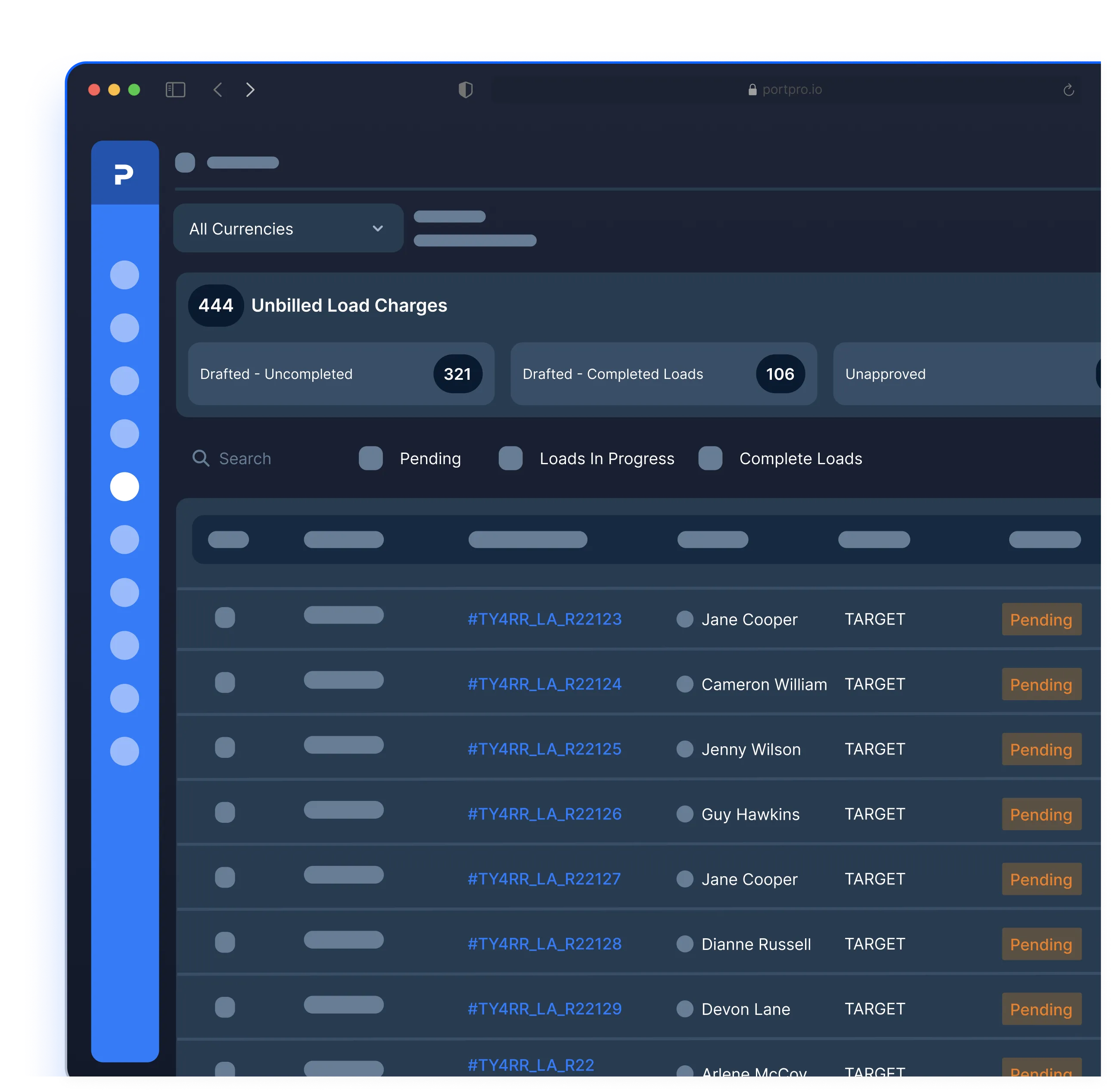
Before an invoice even lands in their inbox, PortPro lets them preview potential charges for each load. Whether it's demurrage, unexpected stops, or waiting times, they have that information ahead of time.
Before an invoice even lands in their inbox, PortPro lets them preview potential charges for each load. Whether it's demurrage, unexpected stops, or waiting times, they have that information ahead of time.
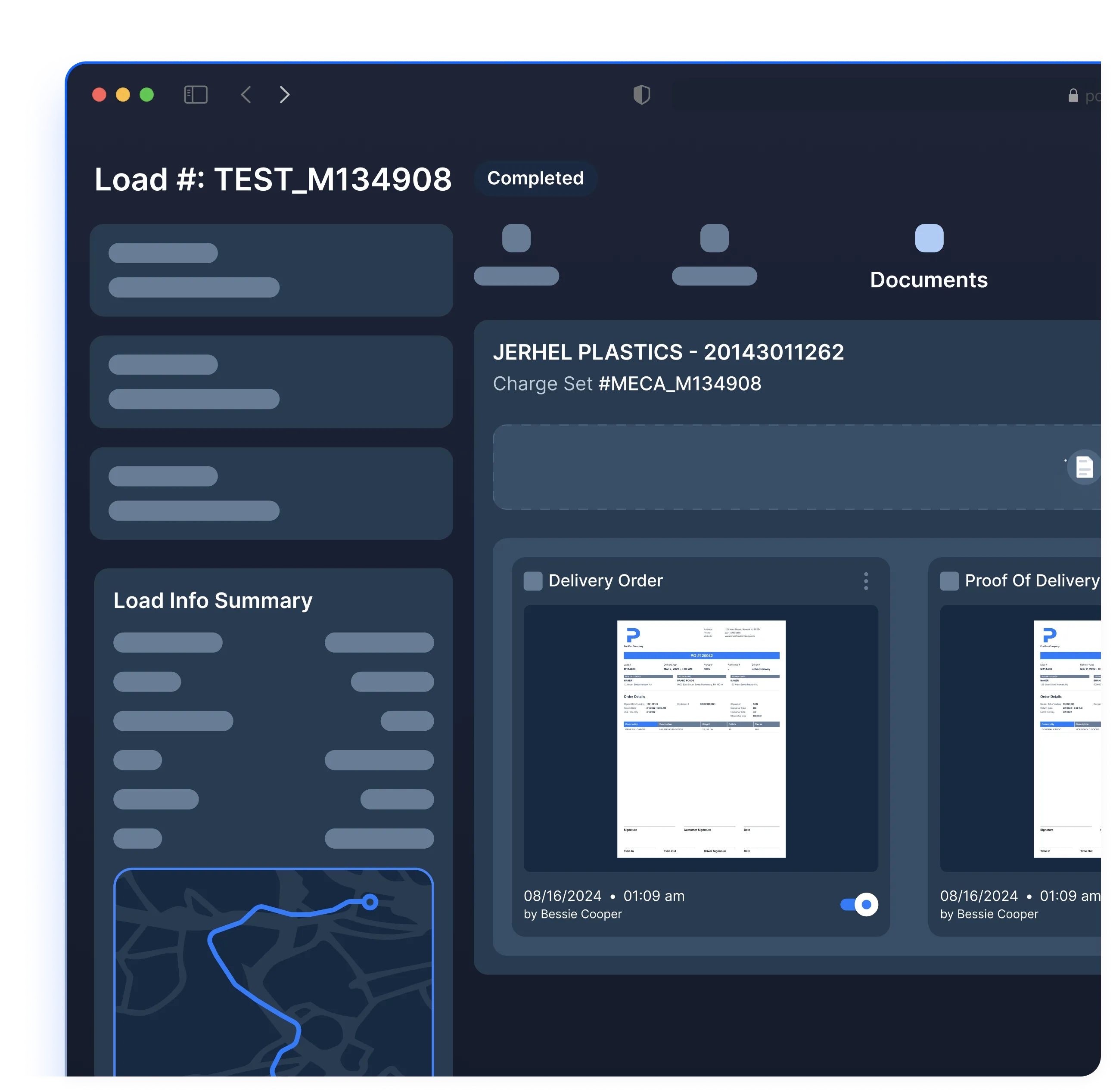
Let customers find documents by themselves
Let customers find documents by themselves
Let customers find documents by themselves
Load documents are consolidated directly within the load and automatically populated in the customer portal, so customers can pull relevant documents at their convenience.
Load documents are consolidated directly within the load and automatically populated in the customer portal, so customers can pull relevant documents at their convenience.
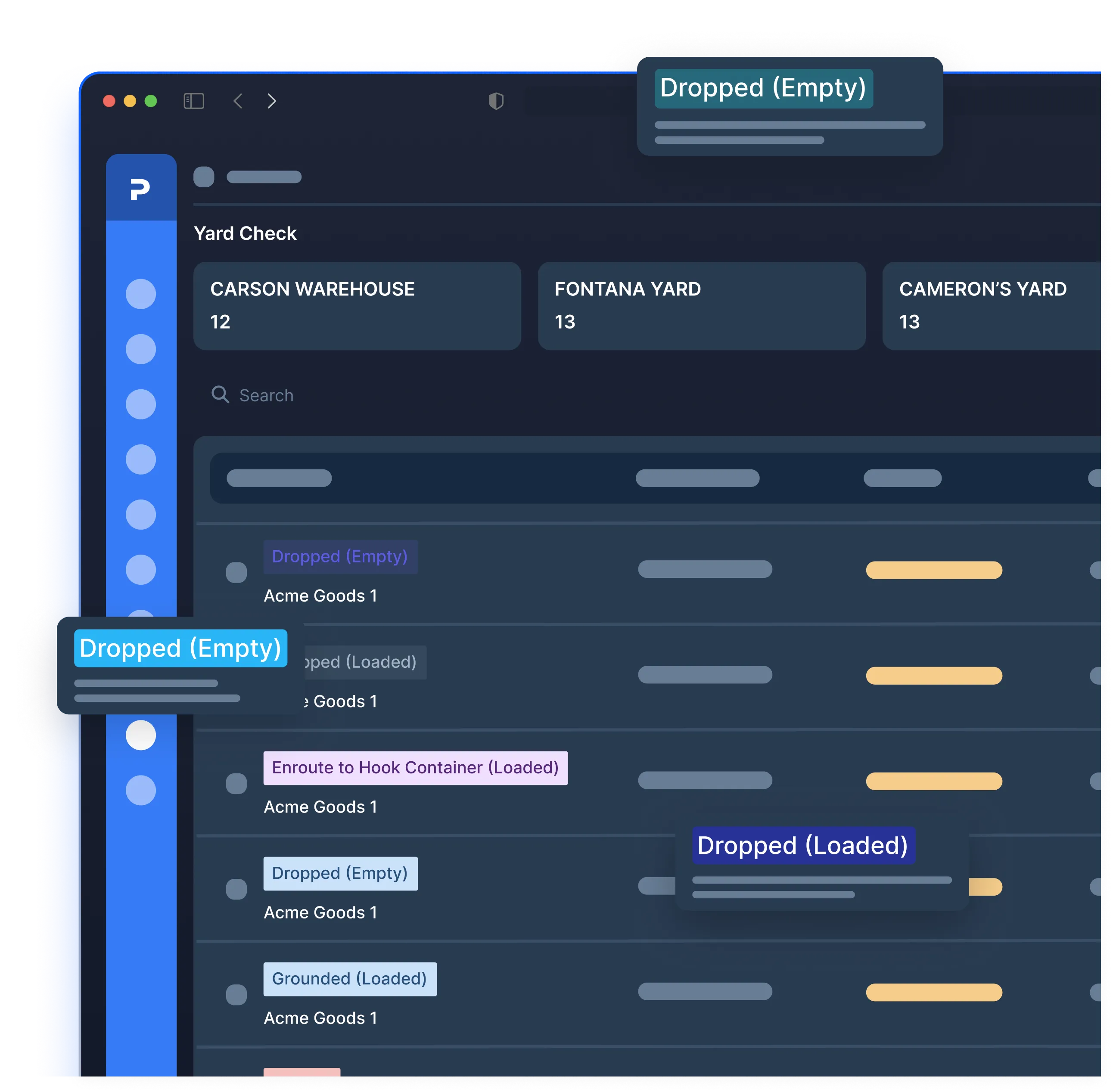
Monitor dropped containers
Monitor dropped containers
Monitor dropped containers
Give customer a clear view of containers as they arrive and depart and where they are dropped. That means fewer emails, more visibility, and happier customers.
Give customer a clear view of containers as they arrive and depart and where they are dropped. That means fewer emails, more visibility, and happier customers.
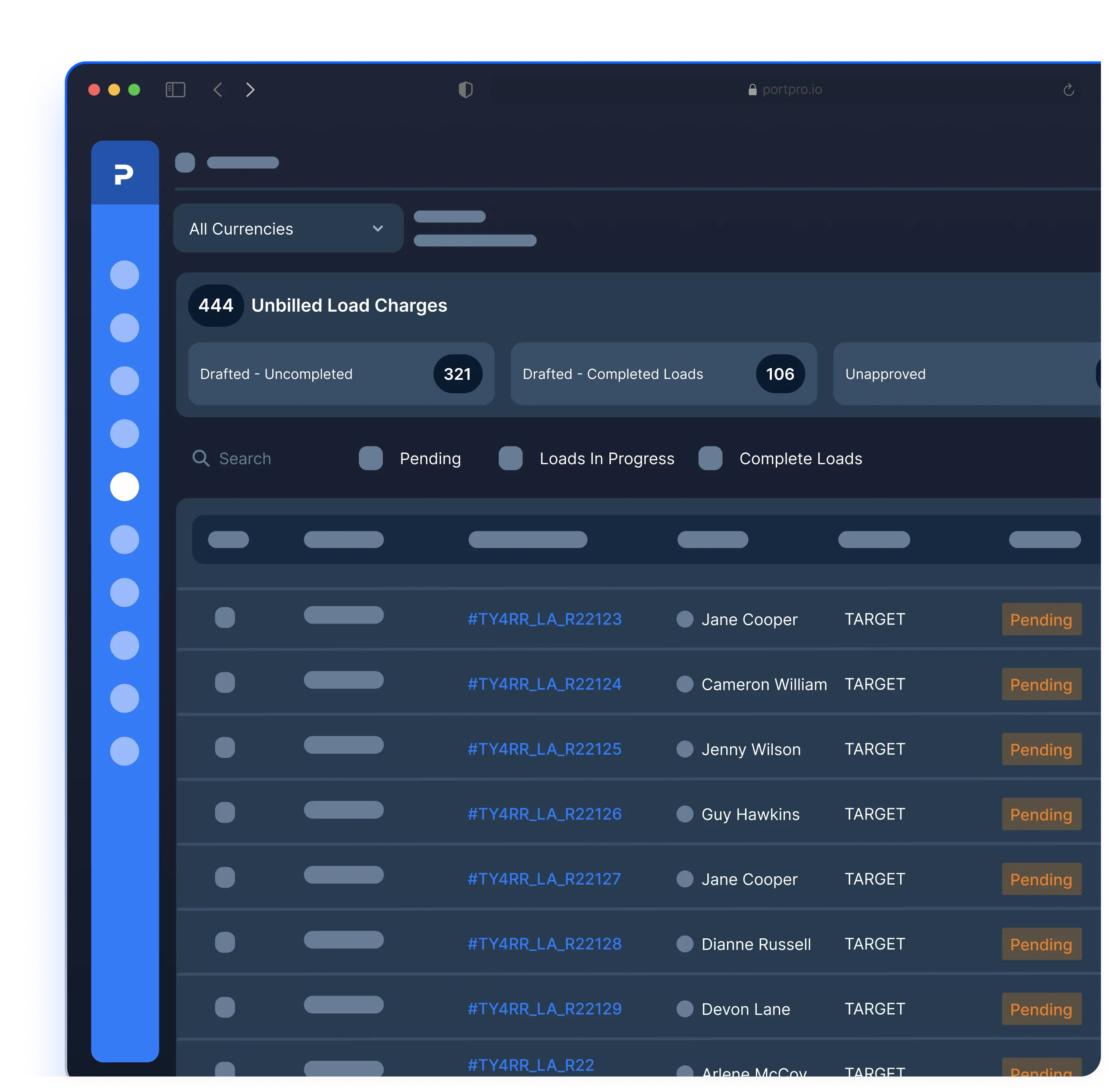
Let customers preview charges before invoicing
Let customers preview charges before invoicing
Let customers preview charges before invoicing
Before an invoice even lands in their inbox, they can our preview potential charges for each load. Whether it's demurrage, unexpected stops, or waiting times, they get that knowledge ahead of time.
Before an invoice even lands in their inbox, they can our preview potential charges for each load. Whether it's demurrage, unexpected stops, or waiting times, they get that knowledge ahead of time.

See PortPro in action
Schedule time with a product expert to see how PortPro could work for your operations.
Schedule a Demo
See PortPro in action
Schedule time with a product expert to see how PortPro could work for your operations.
Schedule a Demo
See PortPro in action
Schedule time with a product expert to see how PortPro could work for your operations.
Schedule a Demo