Introducing PortPro Profit Driver. If you run 5–20 trucks, this was built for you.
Calculate My Savings
Introducing PortPro Profit Driver. If you run 5–20 trucks, this was built for you.
Calculate My Savings
Electronic Documentation Collection
No more waiting on drivers. Get required docs instantly.
Get documents added to PortPro TMS the moment the driver uploads them in-app.
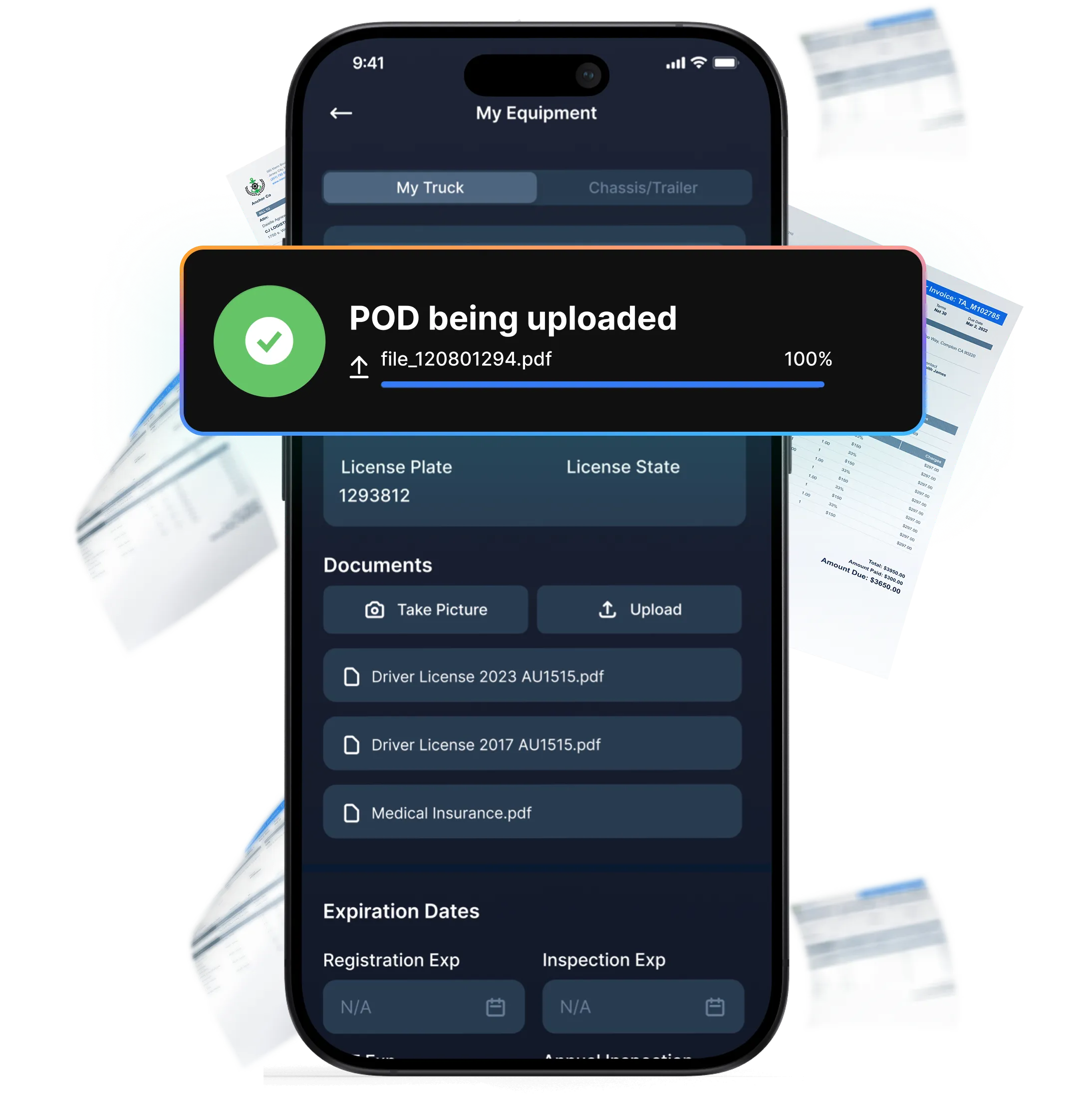
Electronic Documentation Collection
No more waiting on drivers. Get required docs instantly.
Get documents added to PortPro TMS the moment the driver uploads them in-app.
Electronic Documentation Collection
No more waiting on drivers. Get required docs instantly.
Get documents added to PortPro TMS the moment the driver uploads them in-app.
Electronic Documentation Collection
No more waiting on drivers. Get required docs instantly.
Get documents added to PortPro TMS the moment the driver uploads them in-app.
Automatically attach (and verify) all required docs
Automatically attach (and verify) all required docs
Automatically attach (and verify) all required docs
PortPro automatically attaches any other required documents to the invoice. Then, Helen, PortPro’s AI Biller, verifies that these documents are accurate, not blurry, and meet customer requirements.
PortPro automatically attaches any other required documents to the invoice. Then, Helen, PortPro’s AI Biller, verifies that these documents are accurate, not blurry, and meet customer requirements.
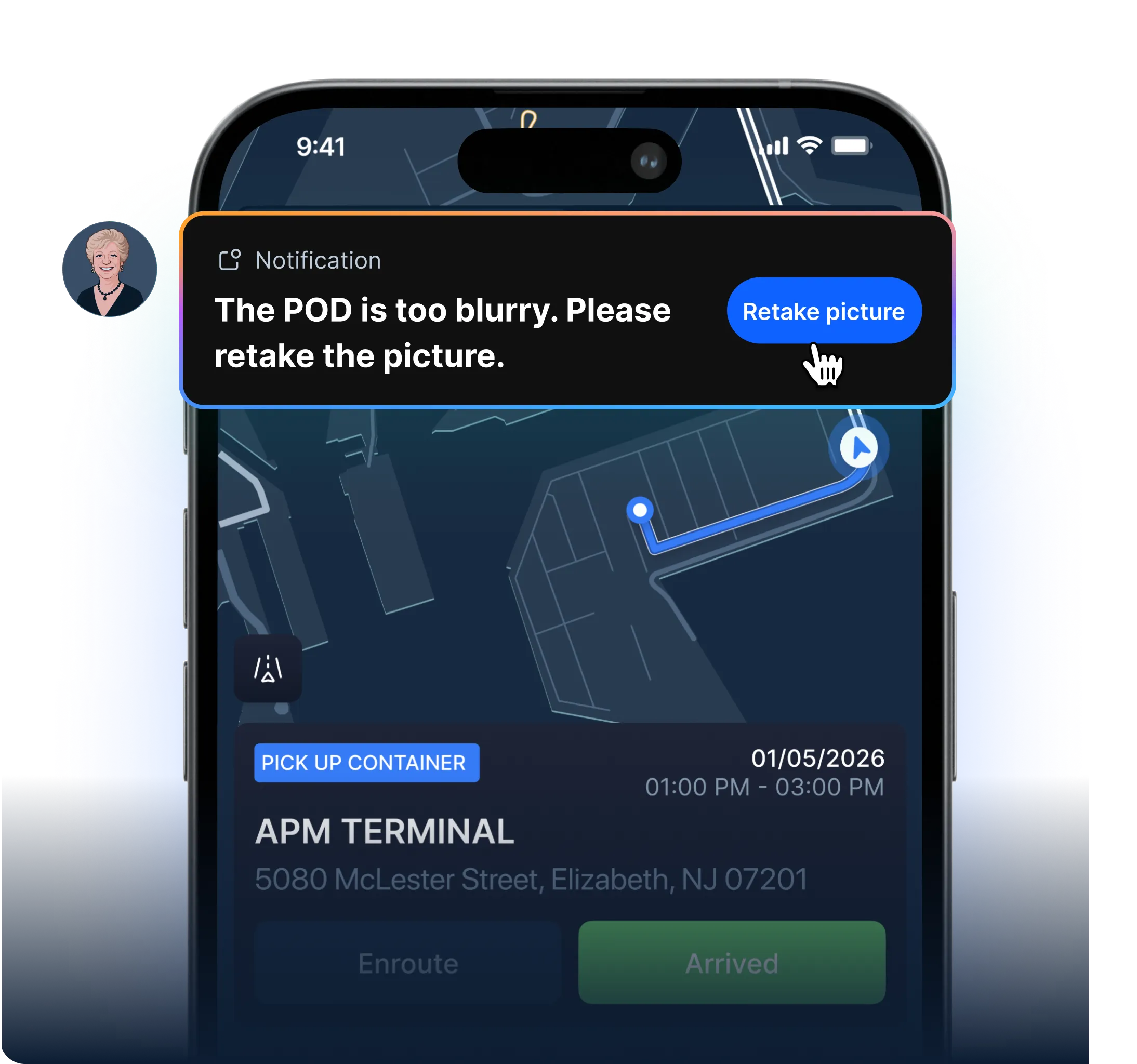
Get documents in real-time. Drivers scan required documents into the driver app, and it’s automatically populated into PortPro’s system.
Verify documents meet requirements. If a document is blurry or doesn’t meet customer requirements, Helen, your AI Biller, requires the driver to re-upload the document before moving to the next move.
Attach documents to invoice. Helen attaches the right document to the right invoice, so all your team needs to do is review and approve.
Automatically pull in TIRs
Automatically pull in TIRs
Automatically pull in TIRs
Gone are the days of waiting for your drivers to scan in TIRs. PortPro will pull them in automatically after you input the load in the system.
Gone are the days of waiting for your drivers to scan in TIRs. PortPro will pull them in automatically after you input the load in the system.
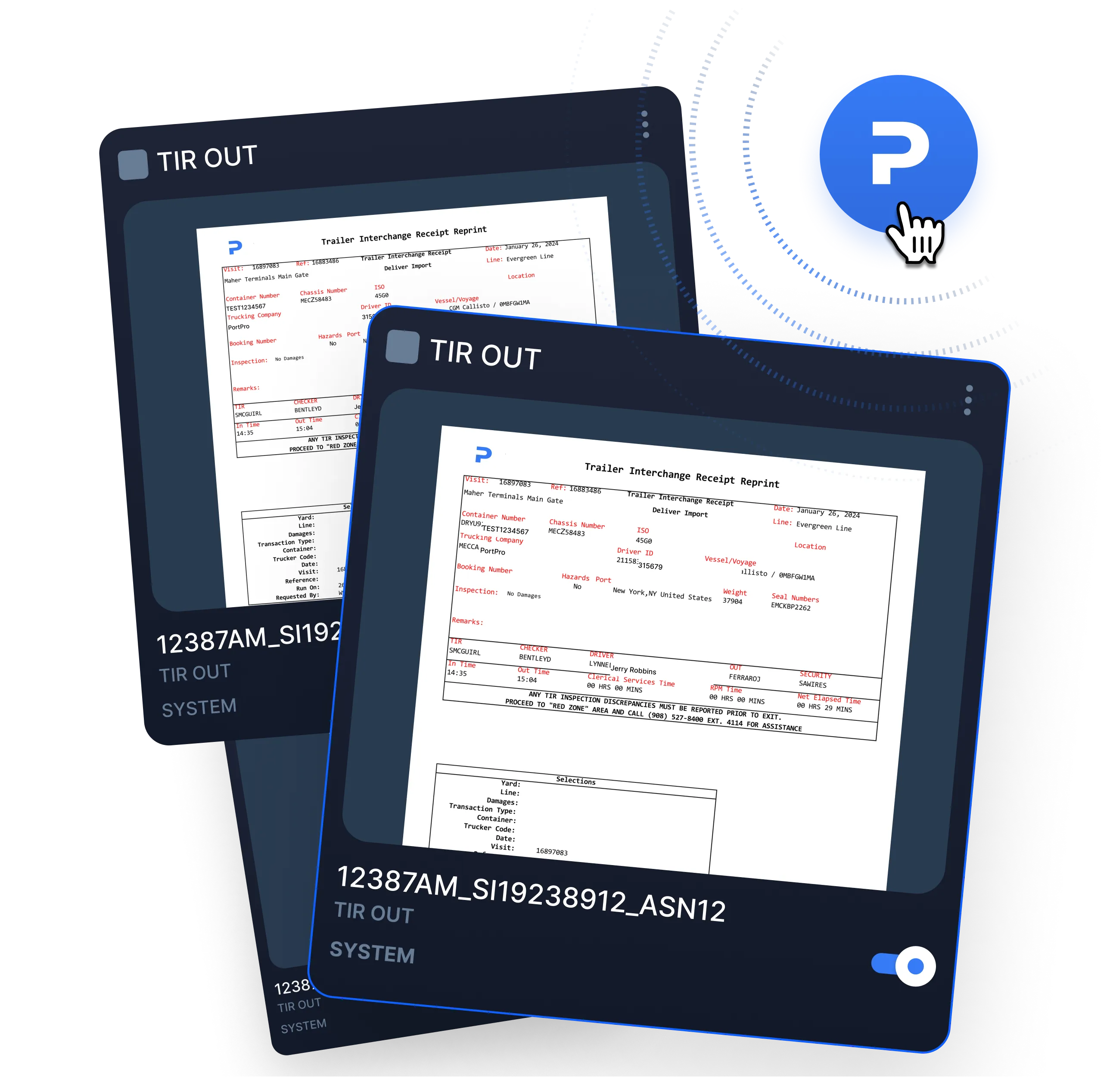
See all documentation at a glance
See all documentation at a glance
See all documentation at a glance
In the document section of each load, there are many different actions you can take.
In the document section of each load, there are many different actions you can take.
Enable or disable document from being automatically attached to your customer's invoice
Enable or disable document from being automatically attached to your customer's invoice
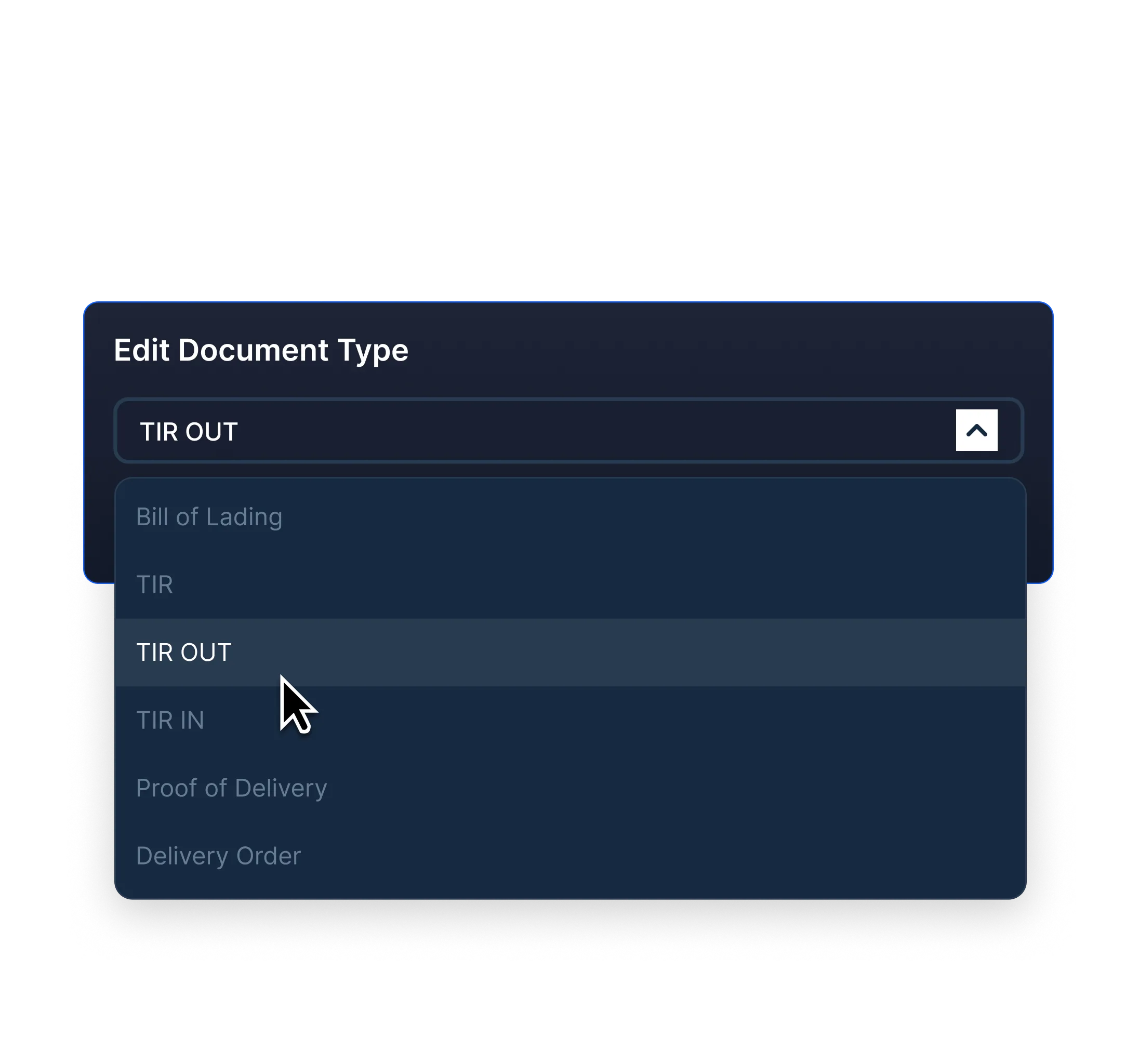
Change the document type (ex. if a driver uploaded a TIR OUT but selected TIR IN, you can make that change)
Change the document type (ex. if a driver uploaded a TIR OUT but selected TIR IN, you can make that change)
Download or print documents directly from the document management software
Download or print documents directly from the document management software
Download or print documents directly from the document management software
Download or print documents directly from the document management software
Drag and drop documents (such as delivery orders) into the document section of the load - with PortPro’s industry-leading document management software, there’s no more storing documents on your computer!
Drag and drop documents (such as delivery orders) into the document section of the load - with PortPro’s industry-leading document management software, there’s no more storing documents on your computer!

See PortPro in action
Schedule time with a product expert to see how PortPro could work for your operations.
Schedule a Demo
See PortPro in action
Schedule time with a product expert to see how PortPro could work for your operations.
Schedule a Demo
See PortPro in action
Schedule time with a product expert to see how PortPro could work for your operations.
Schedule a Demo