Introducing PortPro Profit Driver. If you run 5–20 trucks, this was built for you.
Calculate My Savings
Introducing PortPro Profit Driver. If you run 5–20 trucks, this was built for you.
Calculate My Savings
Per Diem Monitoring
Say goodbye to messy per diem disputes
Give your customer the ability to review, invoice and send disputes with required backup documents, like terminal records and reasons for per diem charges.
Per Diem Monitoring
Say goodbye to messy per diem disputes
Give your customer the ability to review, invoice and send disputes with required backup documents, like terminal records and reasons for per diem charges.
Per Diem Monitoring
Say goodbye to messy per diem disputes
Give your customer the ability to review, invoice and send disputes with required backup documents, like terminal records and reasons for per diem charges.
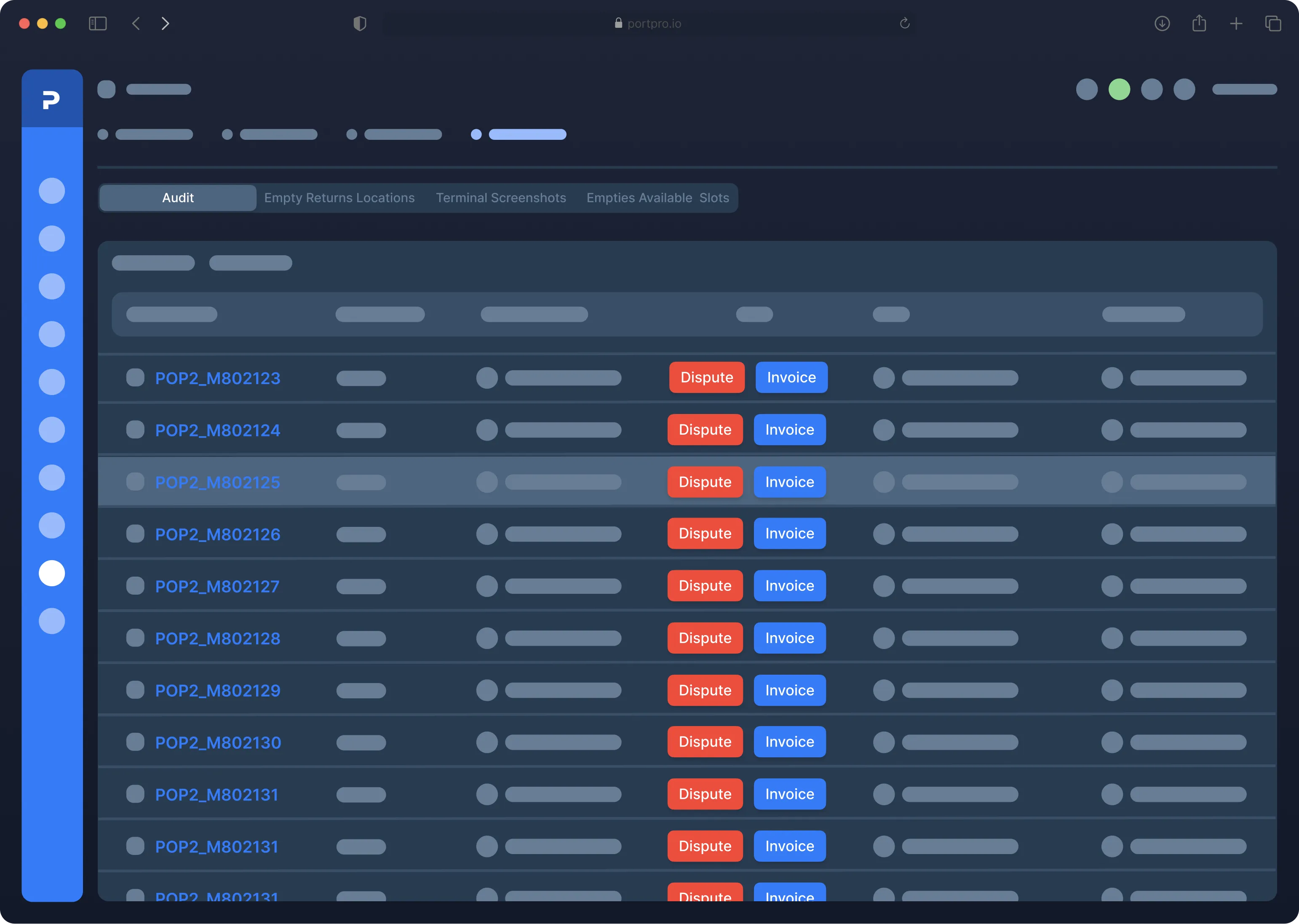
Per diem dashboard
Per diem dashboard
Per diem dashboard
In one centralized dashboard, you and your customers can see a full view of all loads that have and are projected to have per diem.
In one centralized dashboard, you and your customers can see a full view of all loads that have and are projected to have per diem.
Load data filtering
Load data filtering
Pre-set filters and date range options allow your team to pull per diem reporting and quickly see what loads need attention.
Pre-set filters and date range options allow your team to pull per diem reporting and quickly see what loads need attention.
Comprehensive Load Details
Comprehensive Load Details
Use PortPro’s robust suite of per diem tracking tools to view load number, status, customer, amount owed, container number, steamship line, terminal, return by date, completed dates, and much more.
Use PortPro’s robust suite of per diem tracking tools to view load number, status, customer, amount owed, container number, steamship line, terminal, return by date, completed dates, and much more.
Charge Status Filtering
Charge Status Filtering
Preset filters to easily see which charges have been Disputed, Invoiced, Notified, or in a Draft status. Drill down into per diem reporting information to help save money and decrease errors.
Preset filters to easily see which charges have been Disputed, Invoiced, Notified, or in a Draft status. Drill down into per diem reporting information to help save money and decrease errors.
Never leave your customer waiting
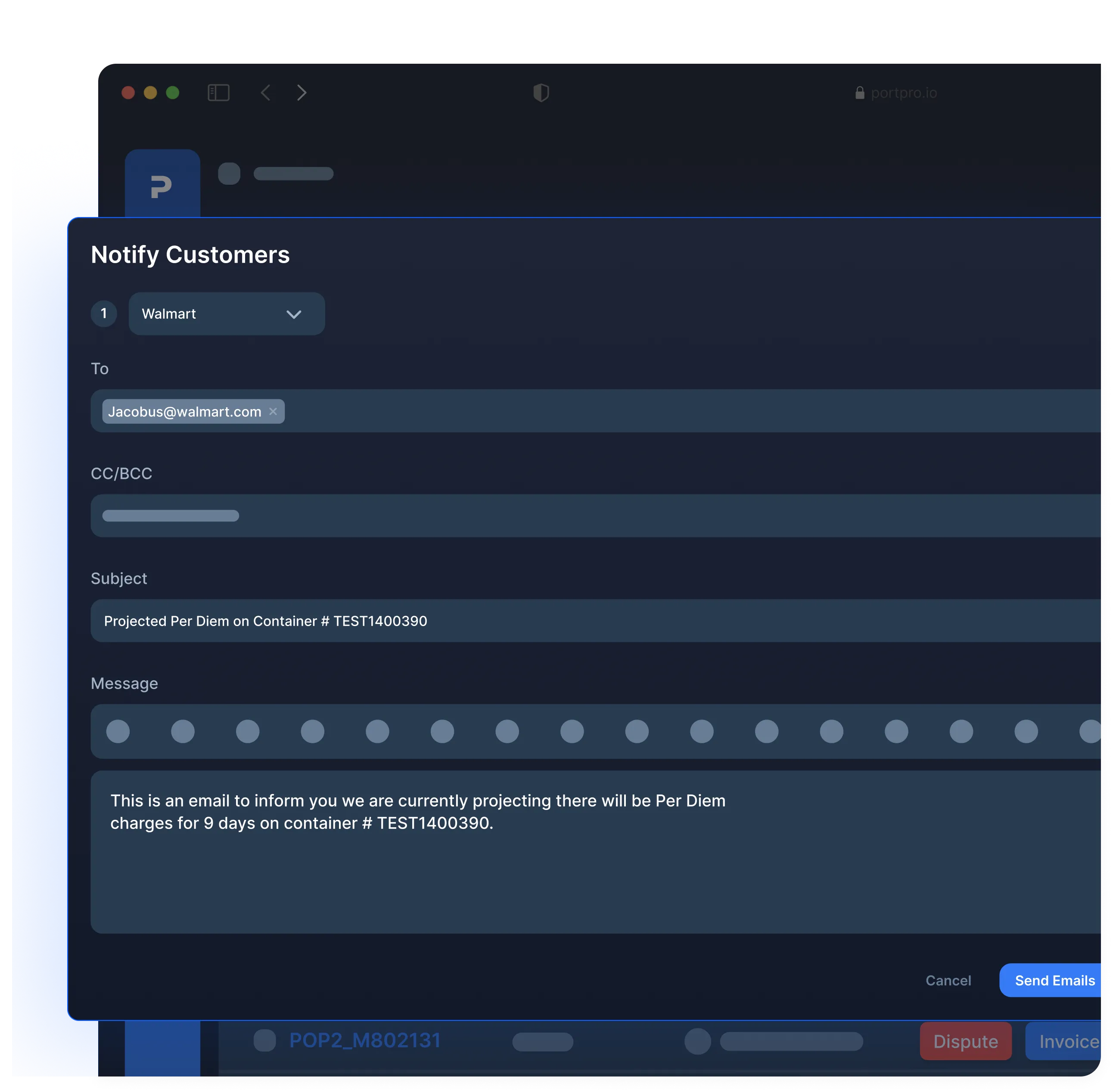
Notify customers of per diem
Never leave your customer waiting
Never leave your customer waiting
Get full visibility into what emails are waiting on a response — and assign outstanding items to your team. Inbox management has never been easier.
Notify your customers directly from the PortPro Per Diem Dashboard with just a few clicks. Pre-drafted emails make per diem management easy and allow your team to quickly update clients more directly, accurately, and in timely fashion.
Get full visibility into what emails are waiting on a response — and assign outstanding items to your team. Inbox management has never been easier.
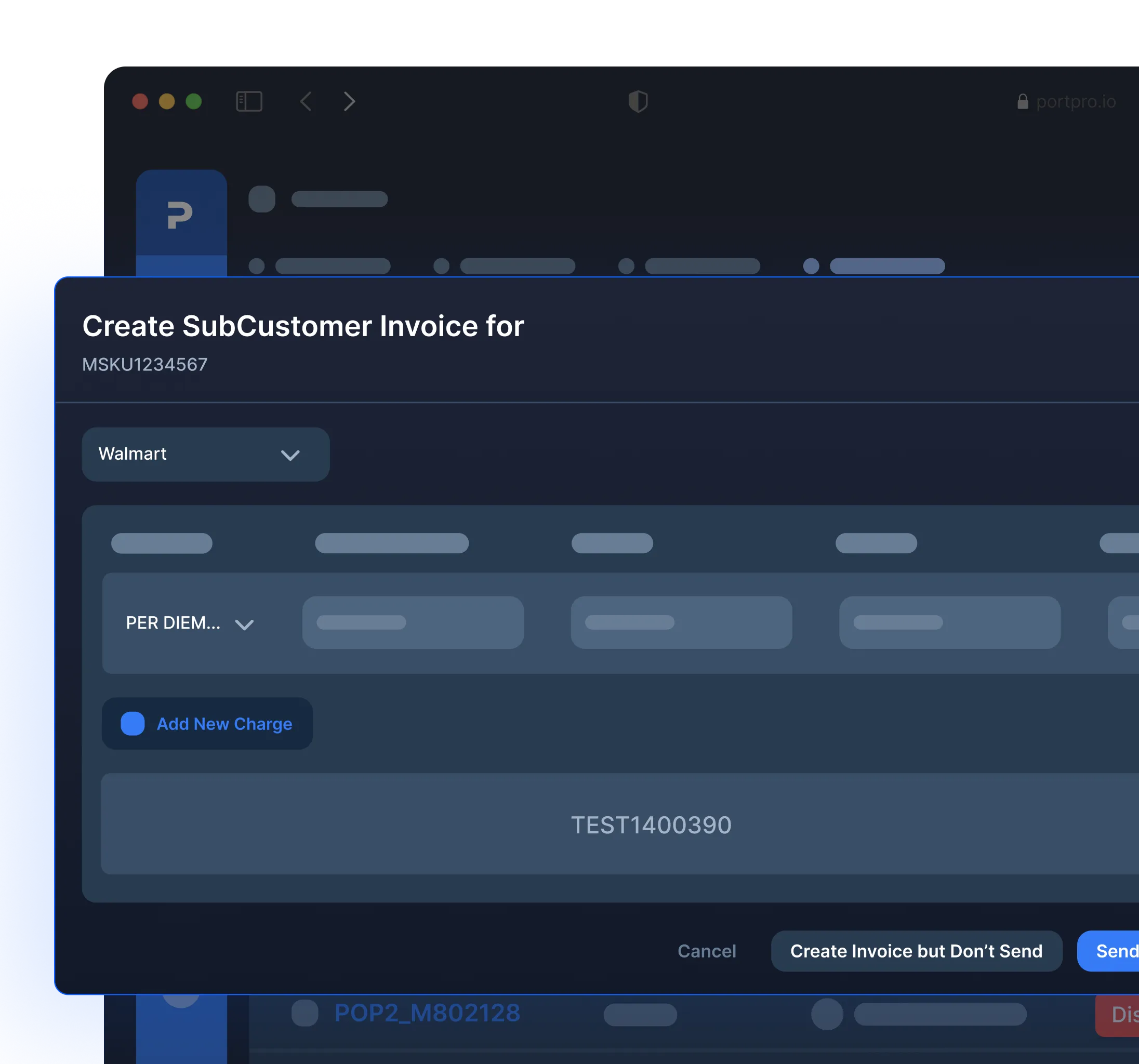
Send per diem invoices through PortPro
Send per diem invoices through PortPro
Send per diem invoices through PortPro
With real-time access to container status and fees, PortPro's per diem tracking ensures that per diem invoices reflect the most current and accurate charges.
With real-time access to container status and fees, PortPro's per diem tracking ensures that per diem invoices reflect the most current and accurate charges.
Easily add charges to invoices directly from the load.
Easily add charges to invoices directly from the load.
Manage per diem charges both from audit logs and within individual loads.
Manage per diem charges both from audit logs and within individual loads.
Enhance transparency with comprehensive per diem tracking and reporting, and strengthen trust with your customers.
Enhance transparency with comprehensive per diem tracking and reporting, and strengthen trust with your customers.
Never leave your customer waiting
Dispute per diem
Never leave your customer waiting
Never leave your customer waiting
Get full visibility into what emails are waiting on a response — and assign outstanding items to your team. Inbox management has never been easier.
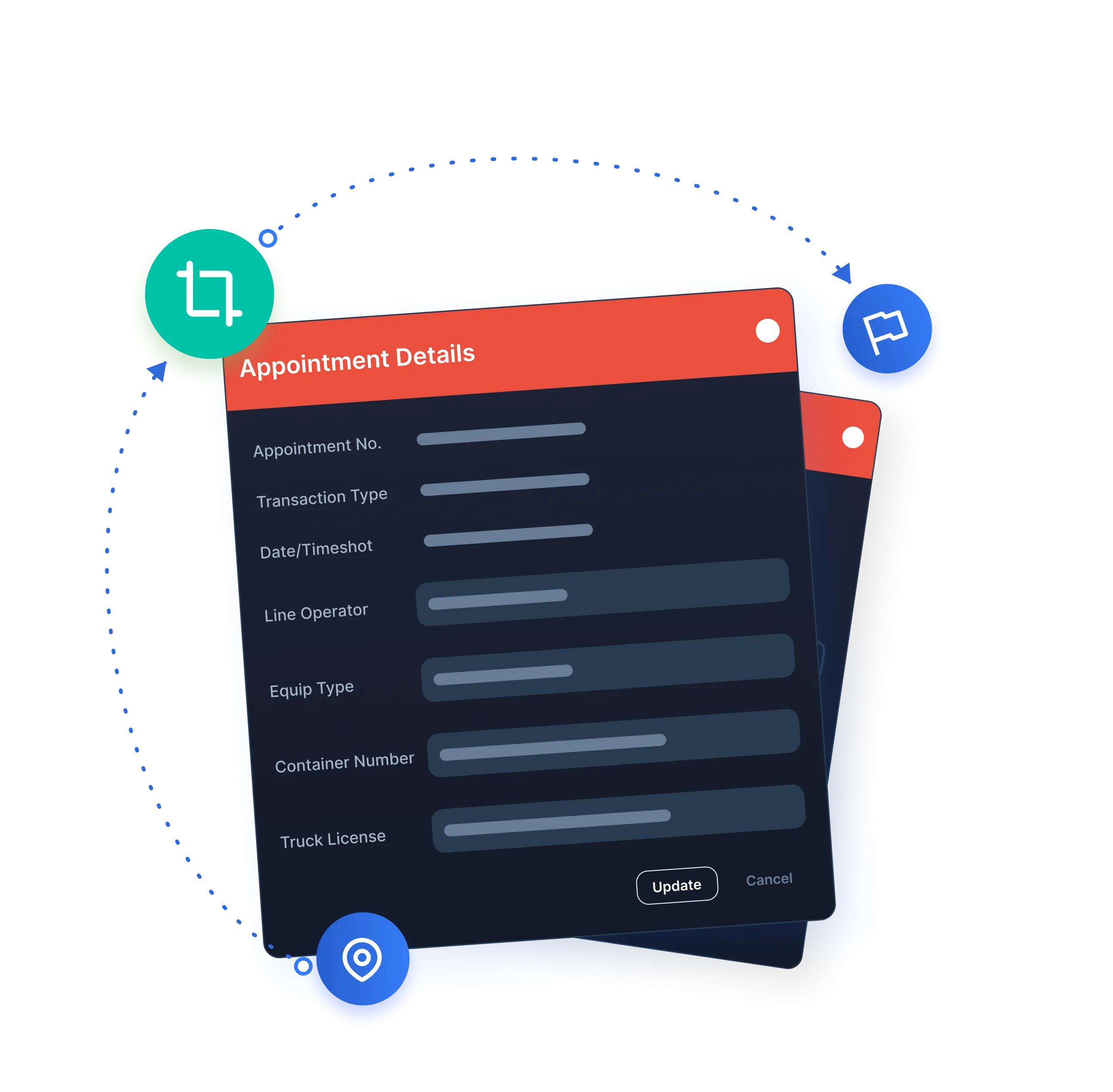
We arm you (and your customers) with a suite of per diem management tools and resources on each load to fight per diem. Our per diem reporting capabilities can be instrumental in disputing unwanted or unwarranted per diem charges.
Get full visibility into what emails are waiting on a response — and assign outstanding items to your team. Inbox management has never been easier.
Empty Return Locations
Empty Return Locations
PortPro’s per diem tracking will show you terminal restrictions by date and location and automatically link this to a dispute.
PortPro’s per diem tracking will show you terminal restrictions by date and location and automatically link this to a dispute.
Terminal Screenshots
Terminal Screenshots
Terminal Screenshots that automatically store terminal documentation and info will also link to your dispute.
Terminal Screenshots that automatically store terminal documentation and info will also link to your dispute.
Empties - Available Slots
Empties - Available Slots
With PortPro’s per diem reporting, you can keep a record of available Empty Return Slots based on steamship line, size, and appointment slots on specific day in case you're unable to return a container.
With PortPro’s per diem reporting, you can keep a record of available Empty Return Slots based on steamship line, size, and appointment slots on specific day in case you're unable to return a container.

See PortPro in action
Schedule time with a product expert to see how PortPro could work for your operations.
Schedule a Demo
See PortPro in action
Schedule time with a product expert to see how PortPro could work for your operations.
Schedule a Demo
See PortPro in action
Schedule time with a product expert to see how PortPro could work for your operations.
Schedule a Demo