CARRIER PAY
Carrier Payment Software for Drayage Brokers
Make Paying Your Carriers Easier
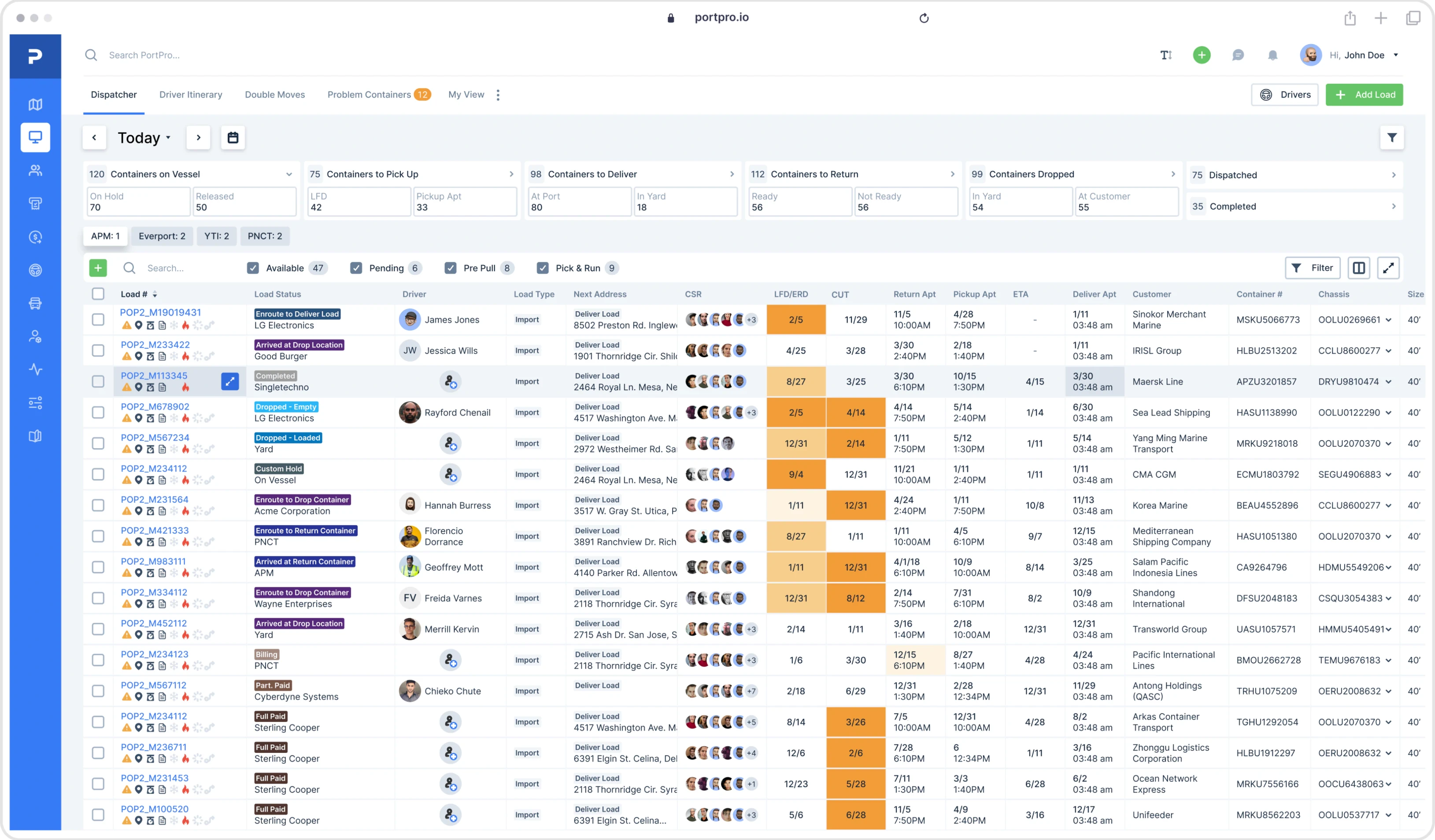
PortPro helps drayage brokers manage carrier pay from rate setup through invoice approval. Automatically calculate carrier pay, account for recurring accessorial charges, review submitted invoices, and approve or reject them without managing the process through spreadsheets and back-and-forth emails.
Trusted by hundreds of top drayage carriers & brokers



Stop Rebuilding Carrier Pay by Hand
Paying carriers shouldn’t mean checking rates in one place, calculating charges somewhere else, comparing totals against invoices, and emailing back and forth when something doesn’t match.
PortPro brings the carrier payment workflow together so your team can calculate what a carrier should be paid, review submitted invoices, and handle discrepancies from one place.

Calculate Carrier Pay
Use configured carrier rates and recurring accessorial charges to calculate what carriers should be paid.

See What Needs Approval
Keep track of submitted carrier invoices and their approval status without maintaining a separate tracker.

Resolve Discrepancies
Reject invoices that need corrections and give carriers a clear path to resubmit them.


Manage the Carrier
Pay Process in PortPro
PortPro brings carrier rates, pay calculations, submitted invoices, approvals, and corrections together so your team can manage freight carrier payments without rebuilding the process somewhere else.
01
Carrier Pay Rates
Set the rates you pay carriers so your team has a consistent foundation for calculating carrier pay.


02
Recurring Accessorial Charges
Configure recurring accessorial charges that need to be included in carrier pay calculations.

03
Automatic Carrier Pay Calculations
Calculate carrier pay based on the rates and recurring charges configured in PortPro.
04
Carrier Invoice Processing
See submitted carrier invoices and identify what still needs your team’s attention.


05
Invoice Approval & Rejection
Approve invoices that are ready to move forward or reject those that need to be corrected.

06
Carrier Resubmission
Give carriers a clear process for correcting rejected invoices and submitting them for review again.
Know What You Owe
Before the Invoice Arrives
Your team shouldn’t have to wait for a carrier invoice to determine what the carrier should be paid.
Once carrier rates and recurring accessorial charges are configured, PortPro calculates carrier pay using those settings. That gives your team a clearer baseline when the carrier submits an invoice and reduces the amount of manual calculation required during review.
From Rate to Carrier Pay
Set carrier rates and recurring charges, then use those settings to calculate carrier pay as work is completed.

Carrier Rate + Recurring Accessorials

Calculated Carrier Pay
See Which Carrier Invoices Need Attention
When carrier invoices are tracked through email or spreadsheets, it’s easy to lose sight of what’s waiting for review.
PortPro gives your team visibility into carrier invoices and their current status, including invoices that are pending approval, approved, or rejected.
Pending Approval
See which submitted invoices are still waiting for your team to review them.
Approved
Keep track of invoices that have completed the approval process.
Rejected
Identify invoices that need corrections before they can move forward.
Resolve Incorrect Carrier
Invoices Without the Email Chain
When something on a carrier invoice doesn’t match, your team shouldn’t have to manage the correction through a long email thread.
Reject the invoice in PortPro so the carrier knows it needs attention. The carrier can make the correction and resubmit the invoice for another review.
A Clear Correction Workflow

Invoice Submitted

Discrepancy Found

Rejected

Carrier Corrects

Resubmitted
Connect Carrier Pay to the Load Behind It
Carrier pay starts with the work the carrier completed.
PortPro keeps carrier pay connected to the broader brokerage workflow so your team can manage rates, charges, invoices, and approvals with the operational context behind the load.
Brokered Load → Carrier Completes Work → Carrier Pay Calculated → Invoice Submitted → Review
Dispatch & Container Tracking


Understand Carrier Cost Alongside the Rest of the Load
Carrier pay is one of the costs behind a brokered load. Keeping that information connected to the work gives your team a clearer foundation for understanding carrier costs alongside the revenue associated with the load.
Use PortPro’s reporting capabilities when you need to analyze carrier costs, margins, customers, or broader financial performance across your brokerage.
Reporting & Dashboards
More Than a Carrier Invoice Tracker
Knowing whether an invoice has been approved is only one part of managing carrier pay.
PortPro connects carrier rates, pay calculations, recurring accessorial charges, submitted invoices, approvals, rejections, and resubmissions so your team can manage the process from calculation through approval.
PortPro vs. Standalone Tracking vs. Manual Carrier Updates
| Capability | PortPro | Manual Entry | |
|---|---|---|---|
| 1 | Carrier Rate Setup | Built in | Maintained separately |
| 2 | Recurring Accessorial Charges | Configurable | Calculated manually |
| 3 | Carrier Pay Calculations | Automated based on configured rates | Calculated manually |
| 4 | Submitted Invoice Visibility | Centralized | Tracked separately |
| 5 | Approval Status | Built in | Manually updated |
| 6 | Invoice Rejection | Connected to workflow | Often handled through email |
| 7 | Carrier Notification | Connected | Sent separately |
| 8 | Corrected Invoice Resubmission | Connected | Managed manually |

Manage More of Your Drayage Operations with PortPro
Discover additional features built into PortPro’s comprehensive drayage TMS.
01
PortPro for Drayage Brokers
Manage drayage loads, carrier workflows, customer communication, and financial operations from one platform.
Explore more
02
Dispatch & Container Tracking
See the load, driver, and container activity behind the work your carriers complete.
Explore more
03
Customer Communication
Keep customers informed as their drayage loads move from pickup through delivery.
Explore more
04
Reporting & Dashboards
Use brokerage data to understand carrier costs and broader operational and financial performance.
Explore more
Carrier Pay FAQs
What is carrier payment software?
Carrier payment software helps freight brokers calculate and manage the amounts they owe motor carriers for completed work. PortPro lets drayage brokers configure carrier rates and recurring accessorial charges, calculate carrier pay, review submitted invoices, and manage approvals and corrections.
How does carrier payment automation work?
Carrier payment automation uses configured rates and charges to reduce the manual work required to determine what a carrier should be paid. PortPro calculates carrier pay using the carrier rates and recurring accessorial charges configured in the platform.
Can PortPro automatically calculate carrier pay?
Yes. PortPro calculates carrier pay based on configured carrier rates and recurring accessorial charges, giving your team a baseline for what the carrier should be paid before reviewing the submitted invoice.
Can PortPro process carrier invoices?
Yes. PortPro supports carrier invoice processing from submission through review. Your team can see submitted invoices, review what the carrier billed, and approve or reject the invoice.
What happens if a carrier invoice is incorrect?
Your team can reject the invoice in PortPro when a correction is needed. The carrier is notified, can make the necessary correction, and can resubmit the invoice for another review.
What carrier invoice statuses can PortPro track?
PortPro gives brokers visibility into carrier invoices that are pending approval, approved, or rejected, making it easier to see what still needs attention.
Can PortPro include accessorial charges in carrier pay?
Yes. PortPro allows your team to configure recurring accessorial charges and include them in carrier pay calculations.
Is Carrier Pay the same as driver settlement software?
No. Carrier Pay is designed for brokers managing payments to outside motor carriers. Driver settlement software is used by carriers to calculate and manage pay for their own drivers. PortPro supports these as separate workflows.

Make Carrier Pay Easier to Manage
See how PortPro helps your team calculate carrier pay, process invoices, manage approvals, and resolve corrections without relying on spreadsheets and email chains.
Schedule a Demo